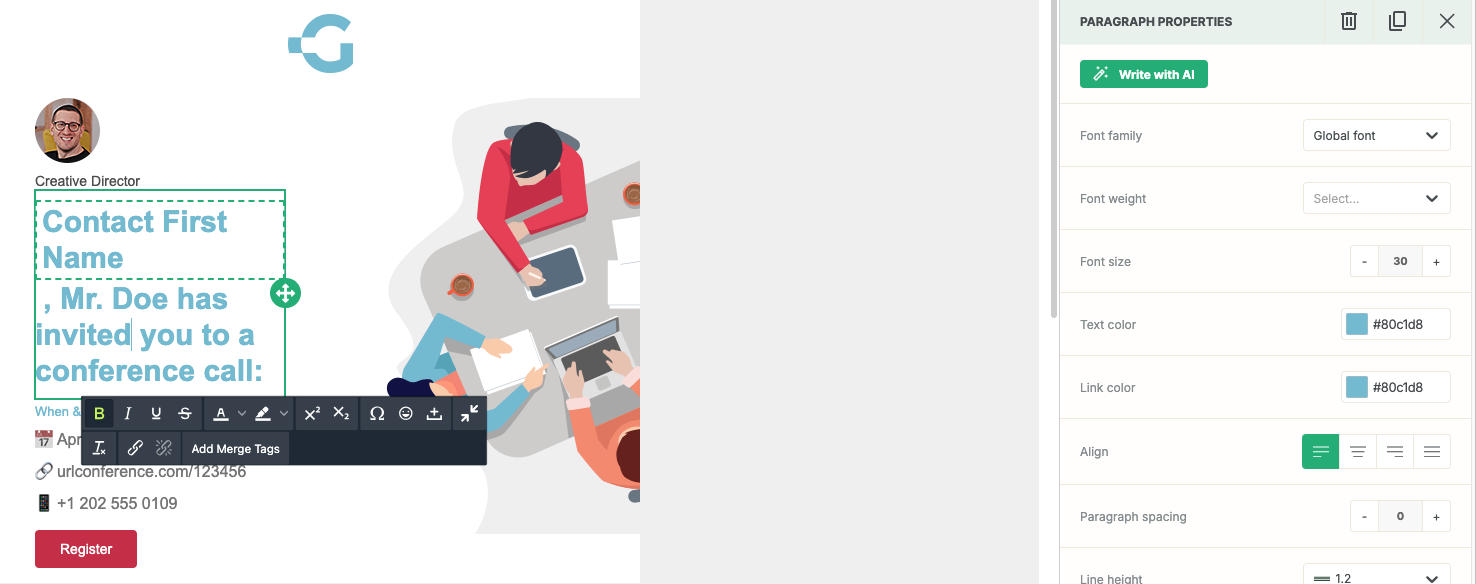
This guide provides a straightforward approach to using merge tags in emails, enhancing personalization and engagement. By following the steps outlined, users can easily insert dynamic content, making communications more relevant to recipients. This is crucial for effective marketing strategies and improving conversion rates. Viewing this guide will empower you to optimize your email campaigns and landing pages with minimal effort.
1. Navigate inside the email builder for an email template or email send:

2. Click on a paragraph, title, list, button, table, or text content block:
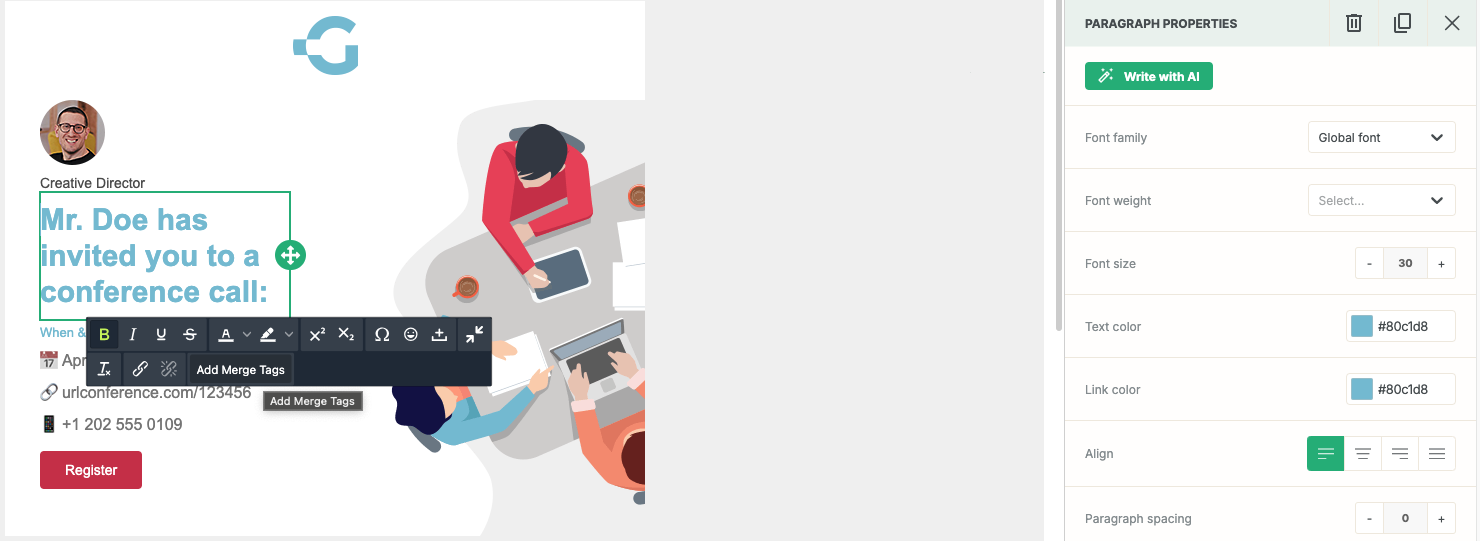
3. Click on the "Add Merge Tags" button to launch the merge tags modal:
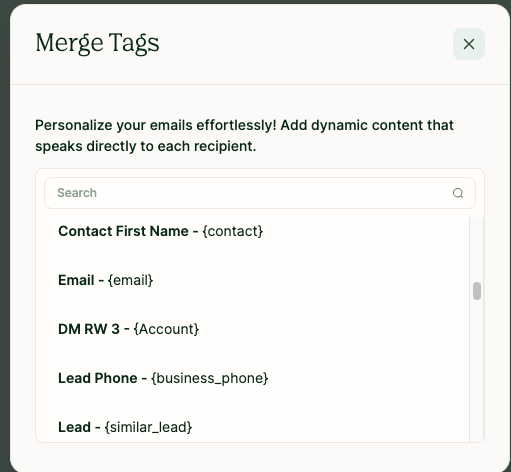
4. Select the merge tag you would like to insert. It will now appear in the content block with dashes around it: